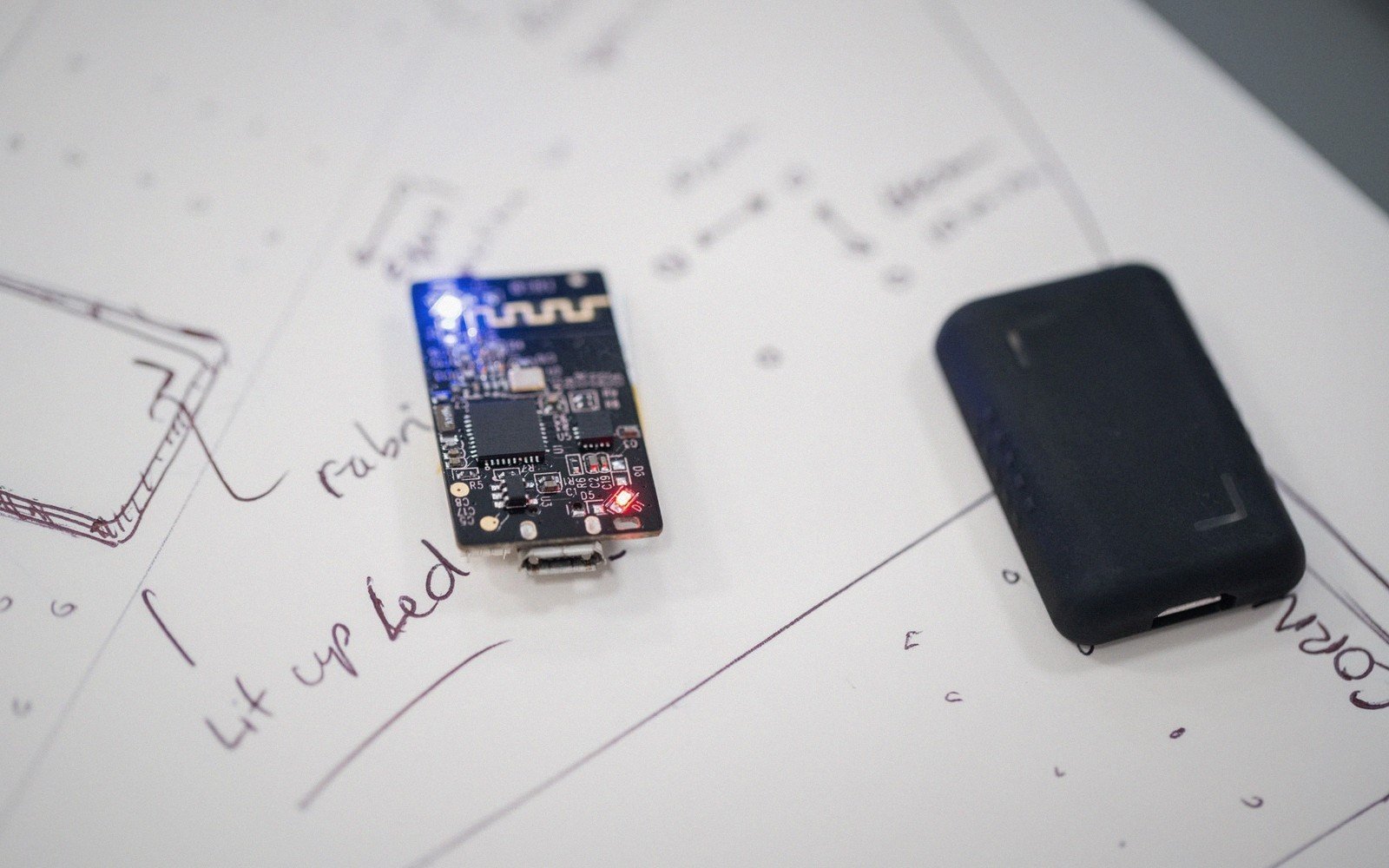
A small piece of resident firmware that lets you update the rest — and a set of failure modes you need to think through before you ship.[1]
§ 01The Basic Bargain
A bootloader is firmware that runs before your application. On power-up or reset, it wakes first, checks whether an update is available — over UART, USB, CAN, Ethernet, or a wireless link — and if so, receives and writes new code into flash. If nothing is waiting, it hands off to the application and stays out of the way. That's the whole deal.
 Enlarge ⤢
The attraction is obvious: you can update a deployed device without touching it physically. A device programmer and the four ways firmware gets in cover the factory; a bootloader covers everywhere after that. Once a product ships in volume, the economics swing hard in favour of over-the-air or over-the-wire updates. One field engineer with a laptop replacing firmware on a hundred units is expensive. A firmware image pushed silently over the network is nearly free.
Many silicon vendors supply a bootloader baked into ROM — STM32 parts carry one in system memory, Microchip PIC and AVR devices have factory-programmed options, and the ESP32 ships with a first-stage loader in ROM that chains to a second stage in flash. These cost you nothing and require no flash space, but they fix the protocol and the pin assignments. If you need a different interface, or more control over the update process, you write your own.
§ 02The Risks That Come With It
The first risk is bricking. The bootloader occupies a region of flash that the application must never overwrite; if it does, or if a failed update corrupts the bootloader itself, the device cannot recover without an external programmer. Protecting the bootloader region — using the memory protection or read-out protection features the silicon offers — is not optional. Most designs also keep the bootloader in a sector that erase operations cannot reach without deliberate effort.
The second risk is a half-written update. Power fails, the link drops, the watchdog fires — any of these mid-flash leaves the application region in an unknown state. The answers are a CRC or hash check on the incoming image before you erase anything, dual-bank flash where the new image lands in one bank while the current application stays live in the other, and a revert path that falls back to the known-good image if the new one fails to validate or fails to start. Dual-bank support is worth checking for in a datasheet early in part selection; not all devices offer it.
The third risk is security. A bootloader that accepts any image over UART, no questions asked, is an open door. Signing the firmware — computing a signature over the image with a private key and verifying it on-device with the corresponding public key before accepting the update — closes it. The Arm TrustZone and Platform Security Architecture frameworks formalise this chain of trust, but even a simpler HMAC check is vastly better than nothing. The threat model matters: a device on a closed factory floor is different from one on a public network.
None of these problems are reason to avoid bootloaders. They are reason to design the update mechanism as carefully as you design anything else. Decide which transport you need, protect the bootloader region from the start, define what happens on a bad image, and settle the security question before the product ships — not after.
Notes
- A bootloader is code, which means it can have bugs, which means it needs the same care as the application it updates. ↩